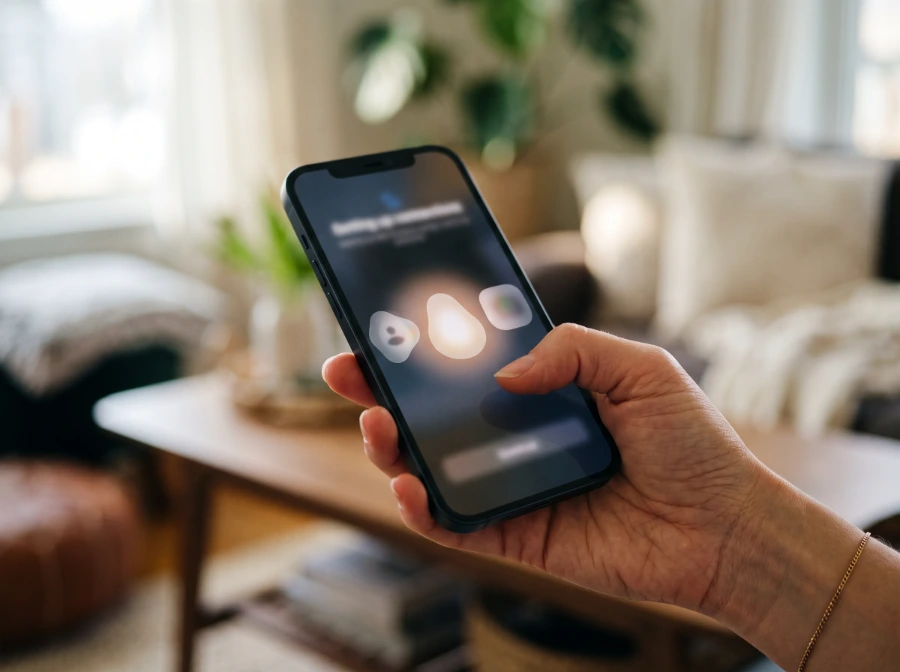
Not really, and the honest reason isn't a vague "be careful out there" — it's a specific number. According to Google's own research, apps distributed through internet sideloading sources contain malware at a rate roughly 50 times higher than apps distributed through the Play Store. A Kwai or Kuaishou downloader APK you found on a random site is, by definition, sideloaded. That doesn't mean every single one is malicious, but it does mean you're starting from a meaningfully worse baseline than installing anything through Google's own store.
Table of Contents
Why Sideloaded APKs Carry More Risk
It's not superstition — there's a real mechanism behind the number.
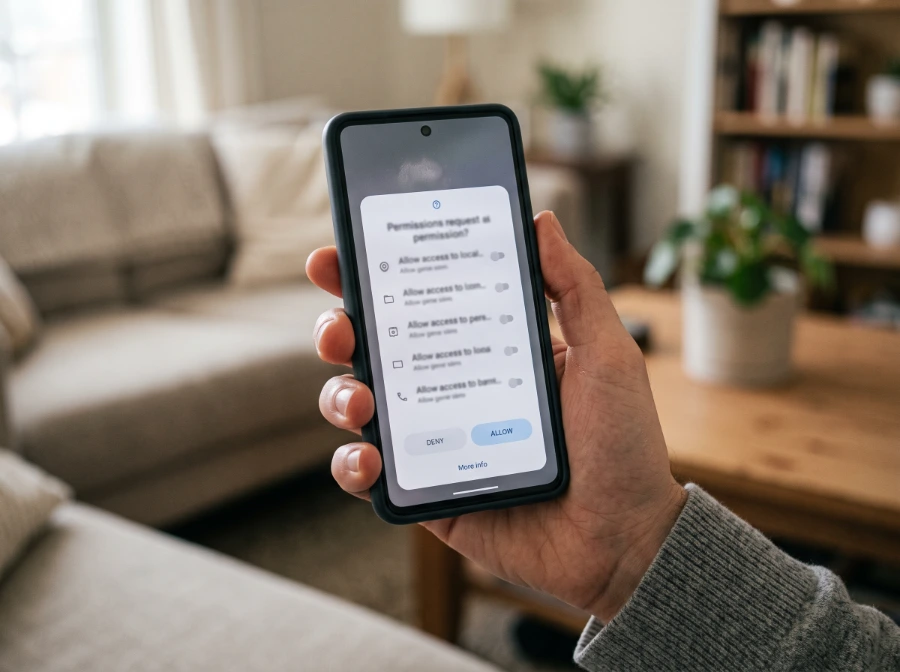
No review process. Nothing checks a sideloaded APK's permission requests before it lands on your phone. A downloader APK asking for access to your contacts, SMS, camera, or microphone has no legitimate reason to need any of that for what it claims to do — pulling a video from a link. On the Play Store, that mismatch tends to get flagged. Off it, nothing's looking.
No automatic updates. Kuaishou and Kwai change their backend often. A sideloaded APK has no update channel to keep up, so it can silently stop working — or worse, start behaving unpredictably — without any signal that something's wrong.
Repackaging. Third-party APK sites frequently take a real app and quietly inject ad SDKs or tracking code into it before redistributing it, or they skip the real app entirely and offer something that just claims to do what a downloader does. Either way, what you install isn't necessarily what you think you're installing.
The Scale of the Problem Right Now

This isn't a hypothetical risk sitting in a research paper. Google Play Protect identified over 27 million new malicious sideloaded apps through real-time scanning in 2025 — more than double the 13 million it identified in 2024. In the same period, Play Protect blocked 266 million risky installation attempts and neutralized roughly 872,000 unique high-risk applications.
Google is treating this as enough of a problem to change how Android works. In 2026, the company is rolling out a requirement that developers verify their identity for apps to run on certified Android devices — and that requirement extends to sideloaded apps and third-party app stores, not just the Play Store. When the platform itself starts closing this gap, that's a reasonable signal for how seriously to take it as a user.
What This Looks Like for a Kwai or Kuaishou Downloader Specifically

Apply the general risk to this specific category and the mismatch gets obvious fast: a tool whose entire job is "take a link, give you back a video file" has no legitimate reason to ask for permission to read your contacts, send SMS, or access your camera and microphone. If a Kwai downloader APK asks for any of that during install, that's the actual red flag — not a hypothetical one.
There's also a legal angle worth knowing, covered in full on our Trust & Legal page: Kwai's own Terms of Service restrict collecting content from the platform with an "automatic program, software... data mining tool." An APK operating outside the browser, potentially running in the background or making repeated automated requests, sits closer to that line than a tool that fetches one link at a time when you ask it to.
The Safer Alternative

A browser-based downloader doesn't install anything on your device, doesn't request persistent permissions, and can't run in the background after you close the tab. That's not a marketing claim — it's a structural difference. There's nothing sitting on your phone to go stale, get repackaged, or quietly start doing something you didn't ask for.
If you want to grab a Kwai or Kuaishou video without any of the sideloading risk described above, KwaiSave works entirely in your browser — paste the link, download the video, nothing installs.
Download Kwai Videos Without an APK
Paste a Kwai or Kuaishou link and download the video in HD, right in your browser — no install, no login, no permissions to worry about.
Open Free Downloader →FAQ
The honest answer doesn't need dressing up: sideloaded APKs carry real, measurable risk, and a Kwai or Kuaishou downloader is no exception to that category just because the task itself is simple.
About the Author: Mehtab Ahmed
Mehtab Ahmed is the founder of KwaiSave and a web developer with 6+ years of experience building browser-based media tools. Based in Lahore, Pakistan, he writes about social media platforms, content creation, and digital tools.