
You're scrolling through Kuaishou, you land on a video you actually want to keep — a tutorial, a clip, something worth rewatching later — and there's no save button anywhere in sight. So you either give up on it or you start looking for a "kuaishou apk download" that promises to fix the problem. Neither is necessary.
Here's the part most guides skip: downloading a video from Kuaishou has nothing to do with installing the Kuaishou app itself. You can do it in under a minute, straight from your Android browser, without touching an apk file at all.
Table of Contents
- 1. Why Android Doesn't Save Kuaishou Videos by Default
- 2. Do You Need the Kuaishou App or Apk at All?
- 3. Step-by-Step: Download Kuaishou Videos on Android
- 4. Where Does the Downloaded Video Actually Go?
- 5. Common Mistakes to Avoid
- 6. What Most People Overlook
- 7. FAQ
- 8. Download Kuaishou Videos with KwaiSave
Why Android Doesn't Save Kuaishou Videos by Default
Android is generally more permissive about file downloads than iPhone, so a lot of people assume Kuaishou videos should just save the way a photo from WhatsApp does. They don't, and it's not an Android limitation — it's how the app itself is built.
Kuaishou, like most short-video platforms, doesn't want every video re-downloaded and reposted without the original creator's permission. That's a deliberate choice, not a bug. So the app's own save option is limited, and it stays that way regardless of which Android phone or brand you're using.
Do You Need the Kuaishou App or Apk at All?
If you searched anything close to "kuaishou apk download" hoping it would solve your download problem, it's worth pausing here first.
Installing the official Kuaishou app (from the Play Store, not a random apk file) is fine if you want to browse and use the platform normally. But it won't give you a built-in way to save someone else's video to your gallery — that limitation exists whether you have the app or not.
Sideloading a Kuaishou apk download from a third-party site to try to unlock hidden download features is also a real security risk. Apk files from outside the Play Store can carry malware, and there's no reliable way to verify one before it's already on your phone. None of that is necessary here anyway — the method below works entirely through your browser.
Step-by-Step: Download Kuaishou Videos on Android
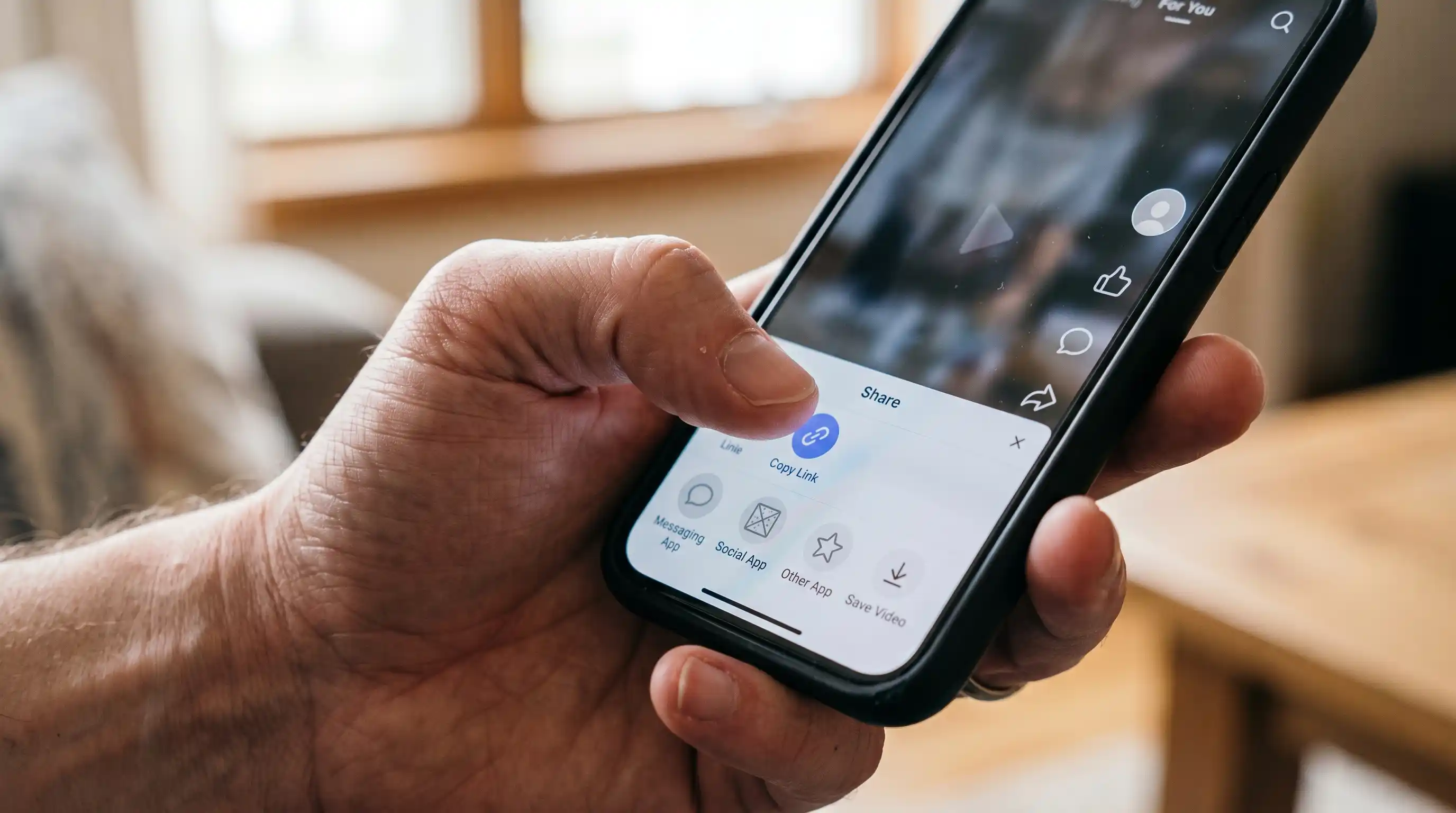
- Open the Kuaishou app (or Kuaishou.com in your browser) and find the video. Tap the share icon.
- Select "Copy Link." This copies the video's URL to your clipboard — not the caption, the link itself.
- Open Chrome (or your default browser) and go to kwaisave.com. It's a browser-based Kuaishou video downloader, so nothing installs on your device.
- Paste the link into the input box. Long-press the field and tap Paste.
- Tap Download. The tool processes the link and gives you a direct download option, typically without the app's watermark overlay.
- Confirm the download. Android will ask for storage permission the first time — allow it, and the video saves.

That's the entire process. No apk, no app store detour, no extra storage taken up by an app you'll only use once.
Where Does the Downloaded Video Actually Go?
This trips people up more than any other step. Unlike iPhone, where a saved video shows up straight in Photos, Android routes browser downloads to a Downloads folder by default — not your Gallery. (If you're on an iPhone instead, the save flow is different enough that it's worth reading our separate guide to downloading Kwai videos on iPhone without an app.)
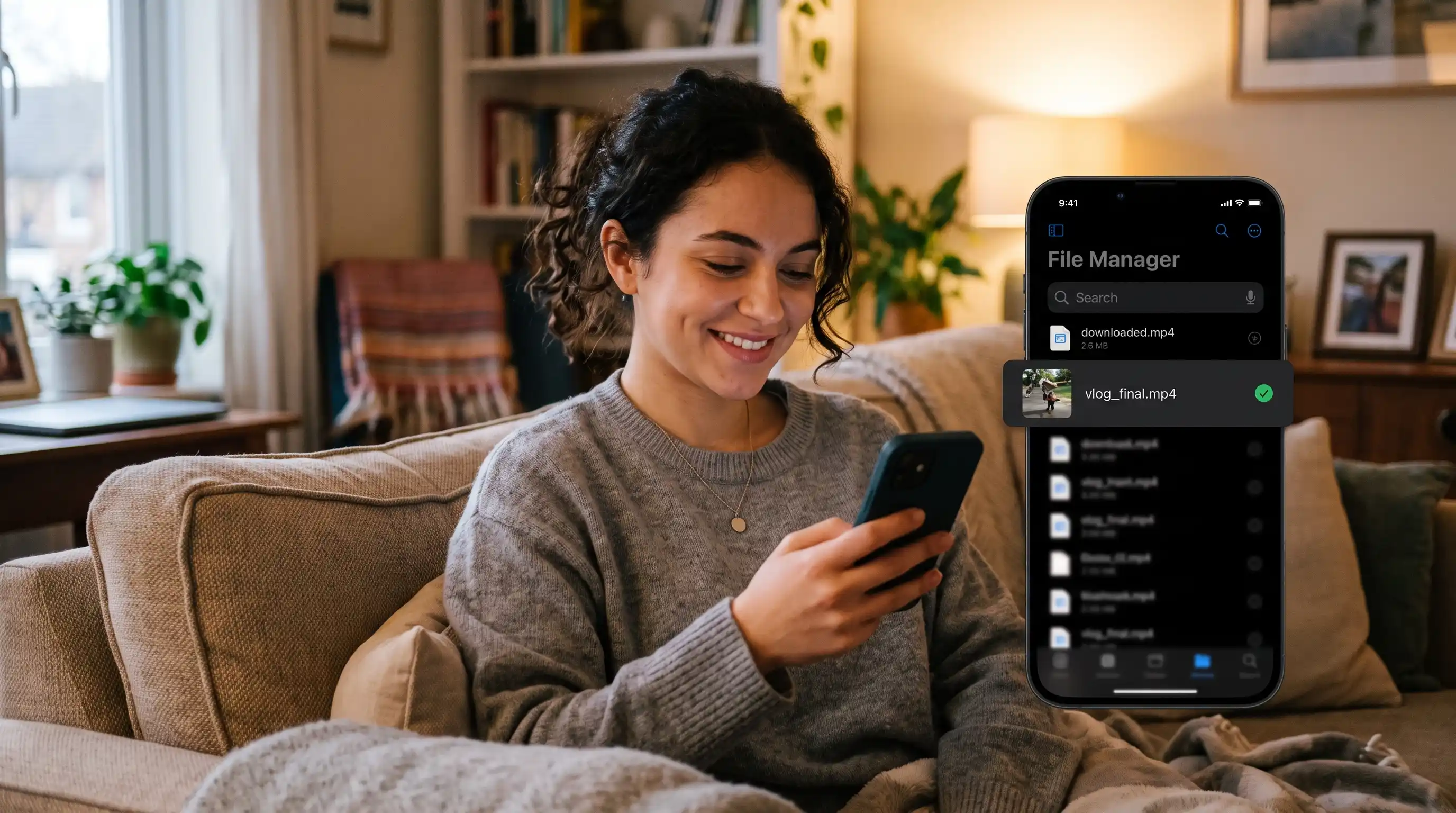
To find it:
- Open your Files app (sometimes called "My Files" or "Files by Google" depending on your phone's manufacturer)
- Look under Downloads
- The video will be sitting there by filename, ready to move into Gallery or share directly
If you don't see it, check your browser's own download manager (usually three dots → Downloads in Chrome) — it'll show you exactly where the file landed.
Common Mistakes to Avoid
Copying the caption instead of the link. Kuaishou's share menu has both options close together — make sure you tapped "Copy Link," not "Copy Text" or similar.
Trying to use a random Kuaishou video downloader apk. Beyond the security risk, most of these apps are abandoned, ad-riddled, or simply don't work — a browser-based tool avoids the install entirely and gets updated without you having to do anything.
Assuming a pop-up is part of the process. If a page throws unexpected "allow notifications" prompts or install banners at you, that's not the actual download working — you may have landed on the wrong page or a copycat site.
Not checking storage space first. Android will silently fail or throw a vague error if your device is nearly full — worth a quick check before downloading several videos in a row.
What Most People Overlook
- Kuaishou and Kwai are the same platform under different regional names. If you've seen guides referencing "kwai app" instead of Kuaishou, they're talking about the exact same service — the method above works identically either way.
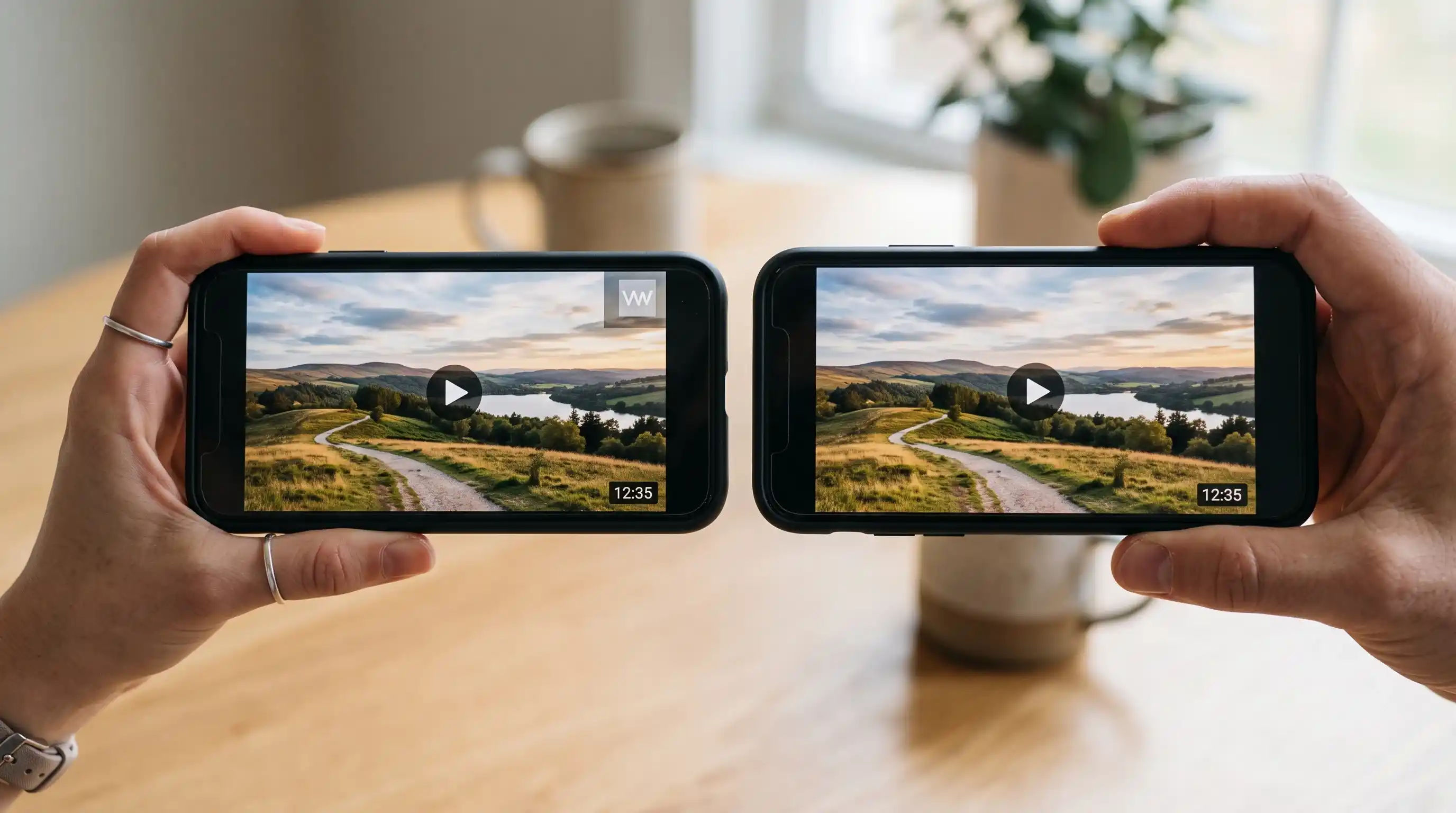
- Watermark removal depends on the source, not just the tool. A downloader can usually strip the platform's own watermark overlay, but if a creator burned a watermark directly into the video file, no tool removes that. Our full guide to downloading Kwai and Kuaishou videos without a watermark covers this in more depth.
- This works for Chinese video downloader use cases beyond Kuaishou too, since the underlying method — copy link, paste into a browser tool — is common across most Chinese short-video platforms, not unique to one app.
- Bulk downloading isn't really a thing here, and that's by design. Each video needs its own link, so doing five videos takes five short passes rather than one bulk action — which also happens to be exactly how the platform intends personal downloading to work.
FAQ
Download Kuaishou Videos with KwaiSave
Skip the apk hunting. Paste a Kuaishou or Kwai video link into KwaiSave and download it directly to your Android device — no app install, no login, no security risk.
Open Free Downloader →Related reading: saving more than one clip? See our bulk download guide. Link not loading at all? That's usually a region-lock issue, not an Android-specific problem.
About the Author: Mehtab Ahmed
Mehtab Ahmed is the founder of KwaiSave and a web developer with 6+ years of experience building browser-based media tools. Based in Lahore, Pakistan, he writes about social media platforms, content creation, and digital tools.