Want to save a creator's profile picture, avatar, or the cover image on one of their videos from Kwai or Kuaishou? KwaiSave handles both — but they're not quite the same thing, and which one you're actually after changes what you paste in. (And if it's your own profile picture you're trying to grab a copy of — because the app itself doesn't make that easy — the process below works exactly the same way; nothing about it requires the picture to belong to someone else.)
Table of Contents
- 1. Profile Picture and Cover Image Aren't the Same Download
- 2. Saving a Profile Picture
- 3. Saving a Video's Cover Image
- 4. Does It Matter If It's Private or Restricted?
- 5. Using Someone Else's Photo — or Your Own
- 6. Kuaishou or Kwai — Does It Matter?
- 7. On Phone or Computer
- 8. If Something Doesn't Work
- 9. Common Questions
Profile Picture and Cover Image Aren't the Same Download
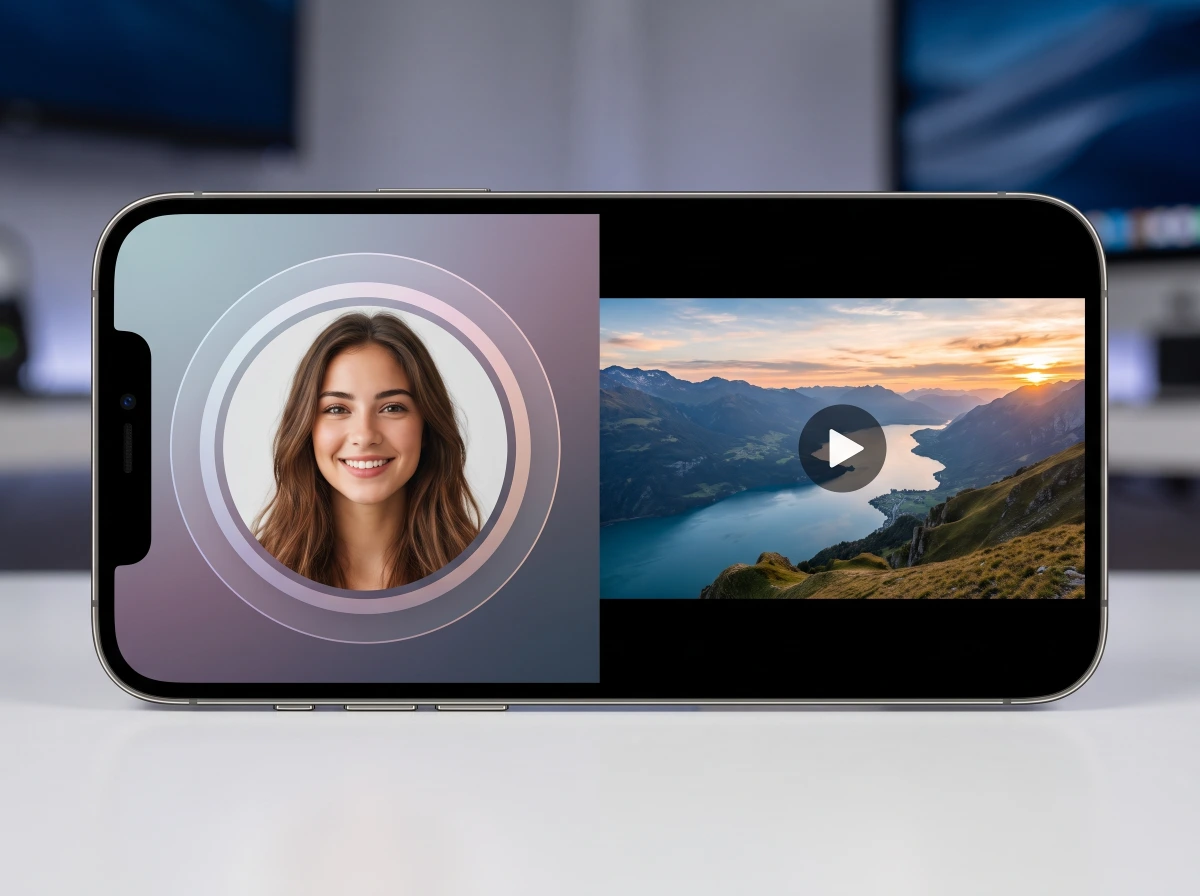
These two get used interchangeably, but on Kwai they're different pieces of content, pulled from different places and tied to different things:
| Profile picture (avatar) | Cover image (thumbnail) | |
|---|---|---|
| Tied to | The account itself | One specific video |
| What you paste | The profile link | That video's link |
| Changes per post? | No — same image everywhere that creator appears | Yes — a different cover on every video |
| Comes from | KwaiSave's Profile Photo tab | The regular video download flow |
KwaiSave's tool reflects that split: the profile photo comes from its own Profile Photo tab, separate from the video download flow, while the cover image comes out alongside a specific video — paste that video's link, and the cover/thumbnail is one of the things included with it, next to the MP4, MP3, and caption.
One thing neither download guarantees: resolution. KwaiSave doesn't publish a stated resolution for either the profile photo or the cover image, and this article isn't going to invent one. What you get is whatever size the platform itself serves back for that image — which, for an avatar, may be smaller than you'd get by other means. If getting the absolute highest resolution version matters for your use case, that's worth testing directly rather than assuming "downloader" implies "full-size original."
Saving a Profile Picture
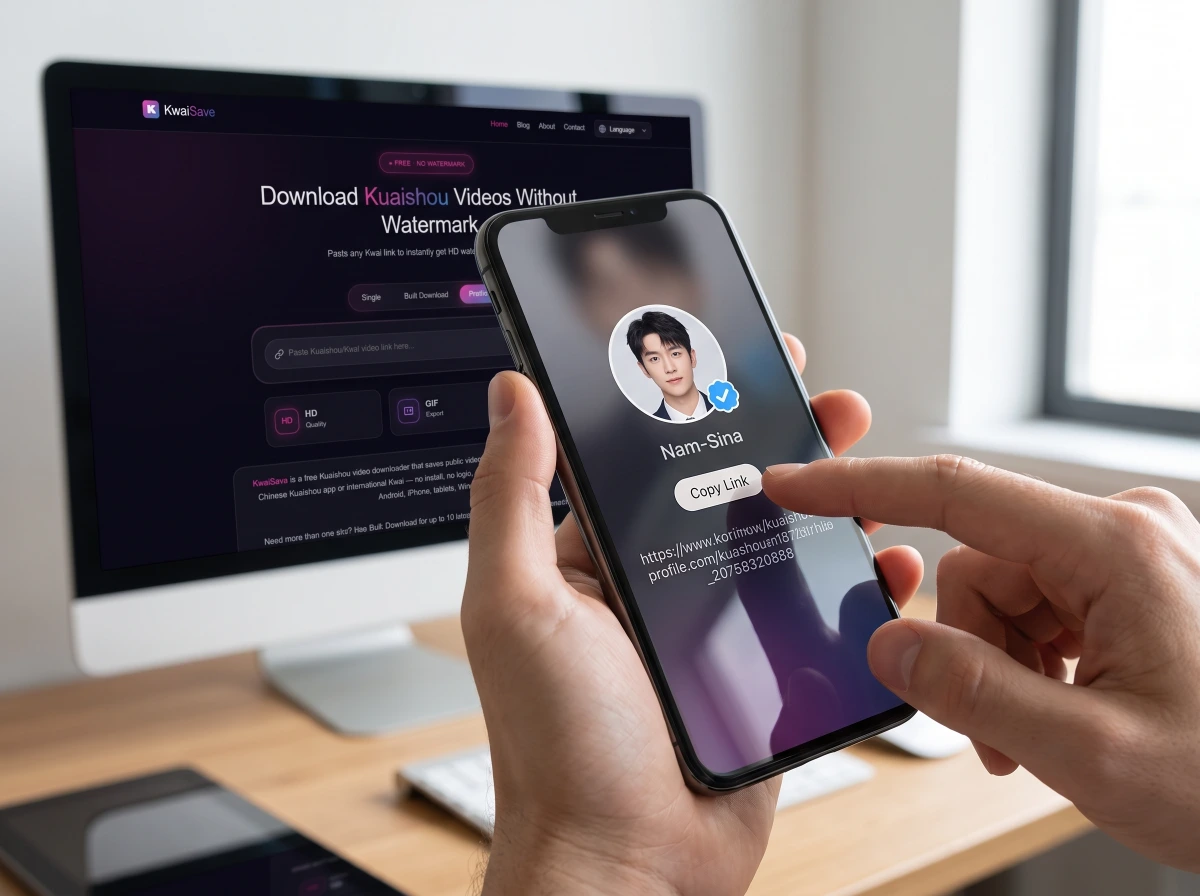
- Open the creator's profile on Kwai or Kuaishou and copy the profile link, the same way you'd copy a video's share link.
- Go to KwaiSave and switch to the Profile Photo tab.
- Paste it in and load the profile.
- Download the photo. It saves as a standalone image — no video, no caption, just the avatar.
Two honest caveats here, not one: KwaiSave's own page confirms the Profile Photo tab exists and names it, but doesn't spell out whether it strictly needs the profile's own link versus also working from a video link on that creator's page — and it doesn't say whether a bare username (without a full link) works at all. If pasting a profile link doesn't pull anything up, try copying the link directly from the creator's profile page rather than typing a username in by hand.
Saving a Video's Cover Image
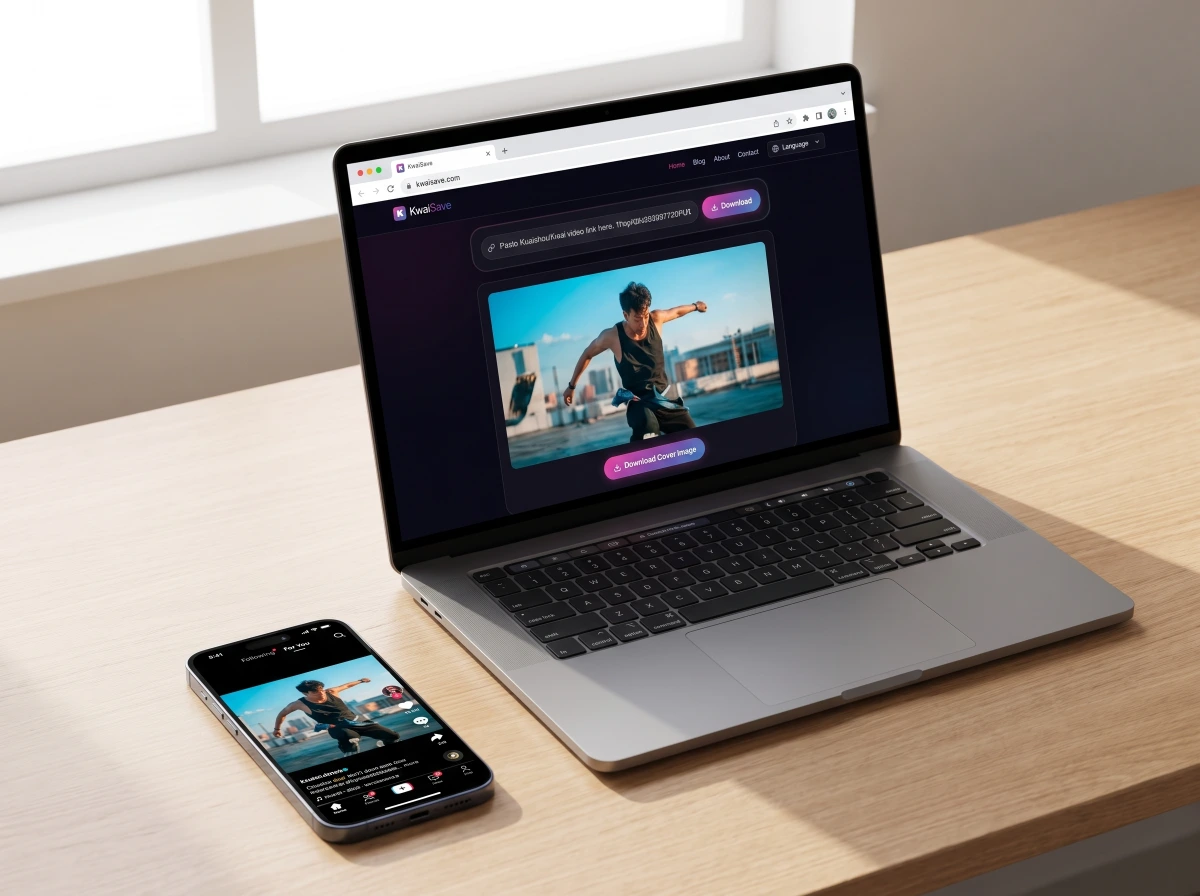
- Copy the video's link — not the profile's — from the share button on the specific post whose cover you want.
- Paste it into KwaiSave the normal way, same as downloading the video itself.
- Choose the cover/thumbnail option instead of MP4, MP3, or GIF.
- Download it. You get the still image KwaiSave pulled from that one video, nothing else attached.
Does It Matter If It's Private or Restricted?
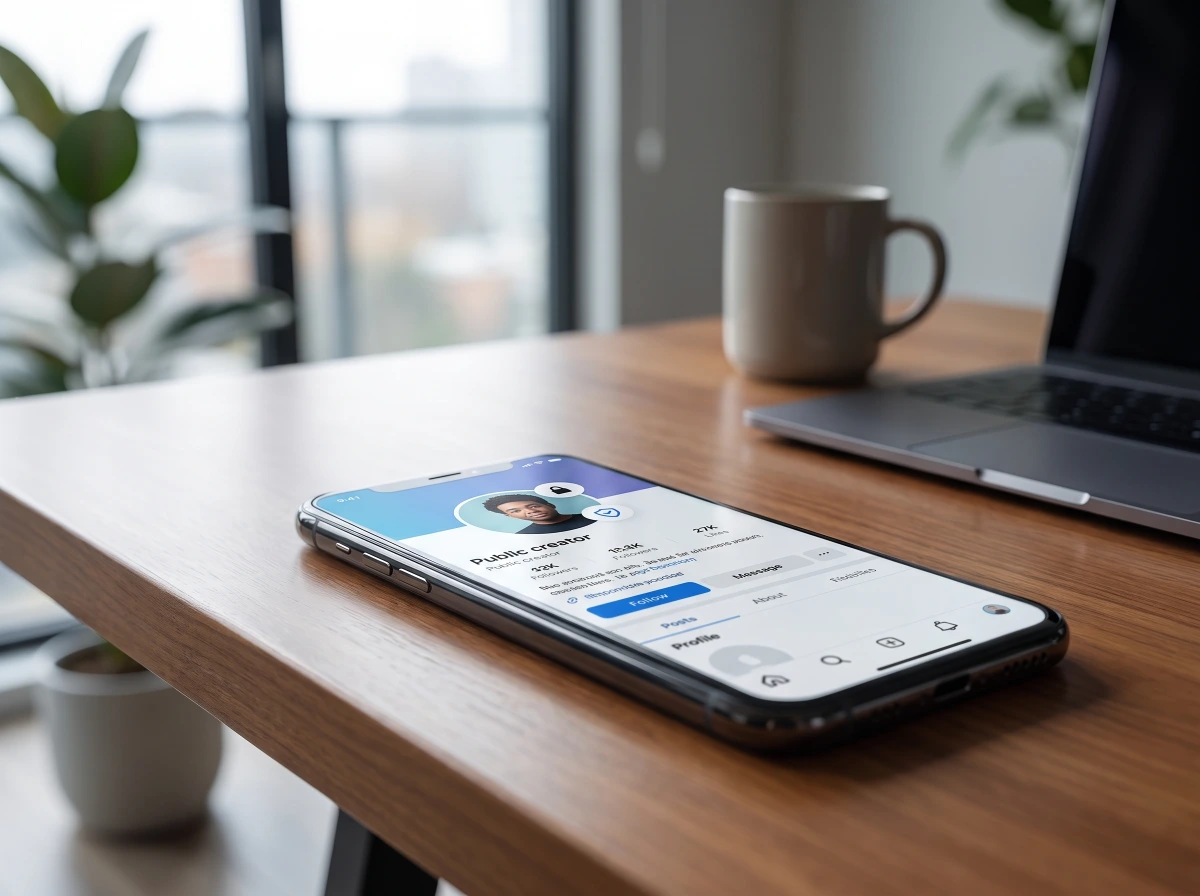
KwaiSave can't pull video content from private or friends-only accounts — that's confirmed and applies across every format the tool offers, including cover images, since those come from the video download flow. Whether that same restriction extends to a private account's profile picture specifically isn't something KwaiSave's own page spells out, and it isn't something this article is going to guess at. If an account is private, assume anything you're trying to pull from it — profile picture included — may simply not load, and treat that as the account owner's restriction working as intended rather than a bug to work around.
Using Someone Else's Photo — or Your Own
If it's your own picture, none of this section applies — skip ahead. If it's someone else's, it's a different situation than downloading a video someone posted publicly, and worth a straight answer rather than a disclaimer: a profile picture or avatar is tied to a specific person's identity, not just content they chose to share, so the questions worth asking before you save and reuse one go beyond "is this copyrighted."
Saving a profile picture for your own reference — recognizing a creator later, or just keeping a copy — isn't doing anything you couldn't already do by screenshotting the same public profile. Where it changes is reuse: posting someone's photo as if it were your own, using it to set up a lookalike or impersonation account, or presenting it in a way that misrepresents who that person is. Most major platforms address impersonation and fake-profile activity somewhere in their policies, and Kwai's own community guidelines almost certainly do too — but this article can't quote the exact wording, because the guidelines page itself loaded as a content-free shell when checked directly, with the real policy text not accessible that way. If the specifics matter for what you're planning to do, Kwai's own community guidelines (linked from the app and from kwai.com) are the source to check — not this article, and not a third-party downloader site's summary of them.
The practical takeaway: downloading is the easy part. What you do with the file afterward is where the actual judgment call lives, and it's a judgment call this article can flag but not make for you. KwaiSave's own terms of service cover the site's usage terms.
Kuaishou or Kwai — Does It Matter?
No. Kuaishou is the original Chinese app; Kwai is the same platform under its international branding — see Kuaishou vs. Kwai: Same App or Two Different Things? for the fuller breakdown. A profile picture or cover image downloads the same way regardless of which name the link uses.
On Phone or Computer
The process is the same either way, since KwaiSave runs in the browser rather than as an installed app — only how you copy the link in the first place changes by device. KwaiSave's device guides cover that part: downloading Kwai videos on iPhone and downloading Kuaishou videos on Android. On a computer, copy the link from the browser version of the site the same way and paste it in.
If Something Doesn't Work
What happens if the profile picture won't load after I paste a profile link?
Try copying the link directly from the creator's profile page rather than from a video, caption, or search result — the Profile Photo tab is built around the profile itself, not a specific post.
What happens if the creator has no custom cover image on a video?
Some videos don't have a distinct custom thumbnail set — in that case there's nothing beyond the platform's own auto-generated frame to pull, which may look like a generic freeze-frame rather than a designed cover.
What happens if the account has been deleted rather than just made private?
Nothing to pull either way, but for a different reason — a private account still exists and is simply restricted, while a deleted one has nothing left behind the link at all. Both end in the same "it won't load" result, so if you're not sure which situation you're in, there's no way to tell the difference from KwaiSave's side alone.
Save a Kwai Profile Picture or Cover Image
Use the Profile Photo tab for a creator's avatar, or paste a video link to grab its cover image — free, in your browser, no app to install.
Open Free Downloader →Common Questions
About the Author: Mehtab Ahmed
Mehtab Ahmed is the founder of KwaiSave and a web developer with 6+ years of experience building browser-based media tools. Based in Lahore, Pakistan, he writes about social media platforms, content creation, and digital tools.